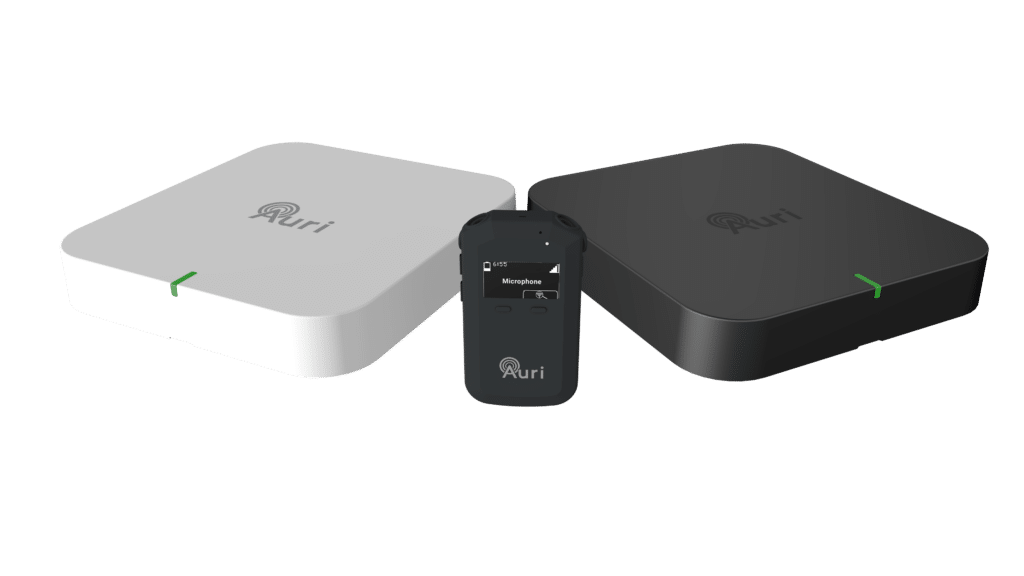
Configure, manage, and optimize your Auri™ deployment.
Whether you’re installing hardware or configuring audio streams, we’ve got the right guide to get you started.
Choose the manual that best matches what you’re trying to accomplish.
Use this guide if you’re setting up or maintaining Auri™ devices and accessories.
This manual covers:
✔ Hardware installation and mounting
✔ Device connections and wiring
✔ Power requirements and network setup
✔ Pairing compatible receivers and transmitters
✔ System specifications
✔ Troubleshooting hardware issues
Best for: Installers, technicians, integrators, and facilities teams.
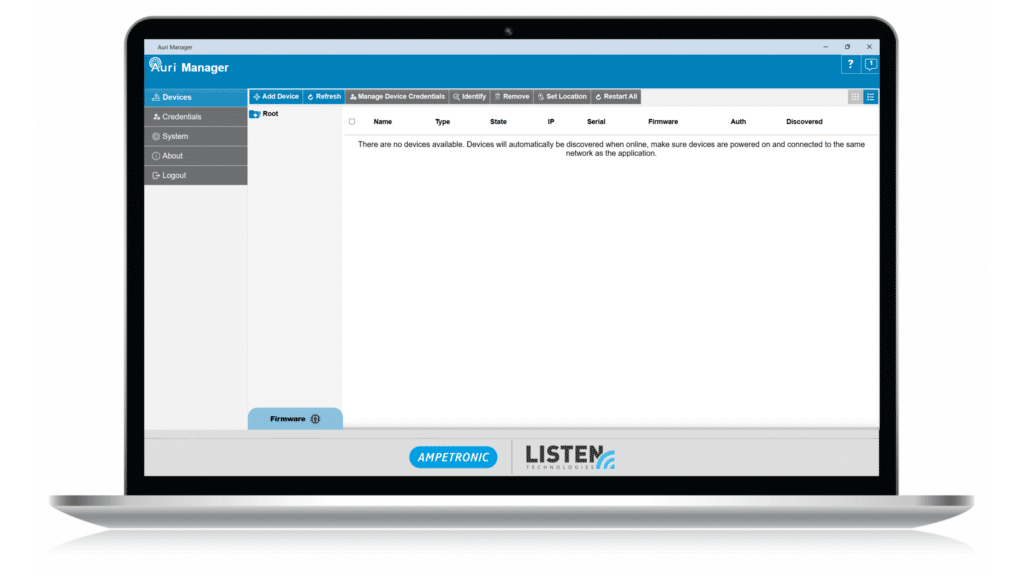
Use this guide if you’re working within the Auri™ software platform and need help with:
✔ Creating and managing broadcasts
✔ Configuring channels and audio sources
✔ User accounts and permissions
✔ Monitoring system status
✔ Software settings and updates
✔ Troubleshooting software-related issues
Best for: IT administrators, AV managers, and system operators.
Introducing Auri™, powered by Listen Technologies and Ampetronic, the first complete Auracast™ broadcast audio solution for assistive listening. Auri™ enables venues and end users to adopt Auracast™ technology today while supporting the growing ecosystem of Auracast-compatible hearing aids, cochlear implants, earbuds, headphones, smartphones, and dedicated receivers.
Auracast™ is part of the new Bluetooth® Low Energy Audio specifications and is very different than classic Bluetooth®. This new standard marks the first time Bluetooth® has supported true broadcast audio, which unlocks a variety of new applications, including wide area public assistive listening.
We would love to answer your questions, provide a detailed quote, or send you more information.
First, select the calculator type, USA (for Americans with Disabilities Act - ADA), California (for California Building Code), or Australia (for Australia's Disability Discrimination Act 1992). Enter the seating capacity and the number of minimum assistive listening devices required and the minimum number of neck loops will automatically populate based on the calculator type selected.