English

Holiday services often draw in the biggest crowds of the year for houses of worship. Families travel home, grandparents fill the pews, and first-time guests walk through your doors. Many of the people who rely on assistive listening are there too, some of them only a few times a year. If a receiver dies halfway through the service, they probably won’t say a word, but they’ll miss the message.
A little preparation now can make sure everyone in the room hears every word this holiday season. Below, we’ll walk through why it’s smart to check your system early, how to plan for a bigger crowd, and the most important things to test before your holiday services.
December gets busy fast for houses of worship, with pageants, choir rehearsals, special services, and community events filling the calendar. By the time the holidays roll around, there’s not much time left to troubleshoot a receiver that won’t hold a charge or restore a dead spot in the balcony.
Checking early gives you time to fix what you find. Replacement batteries, headsets, and receivers take time to order and ship, and holiday delivery times can vary. Volunteer teams can also change throughout the year, so the people running your system may have never set it up before. A little lead time means problems get solved early instead of in a panic right before the service starts.
Here’s a quick timeline that can help:
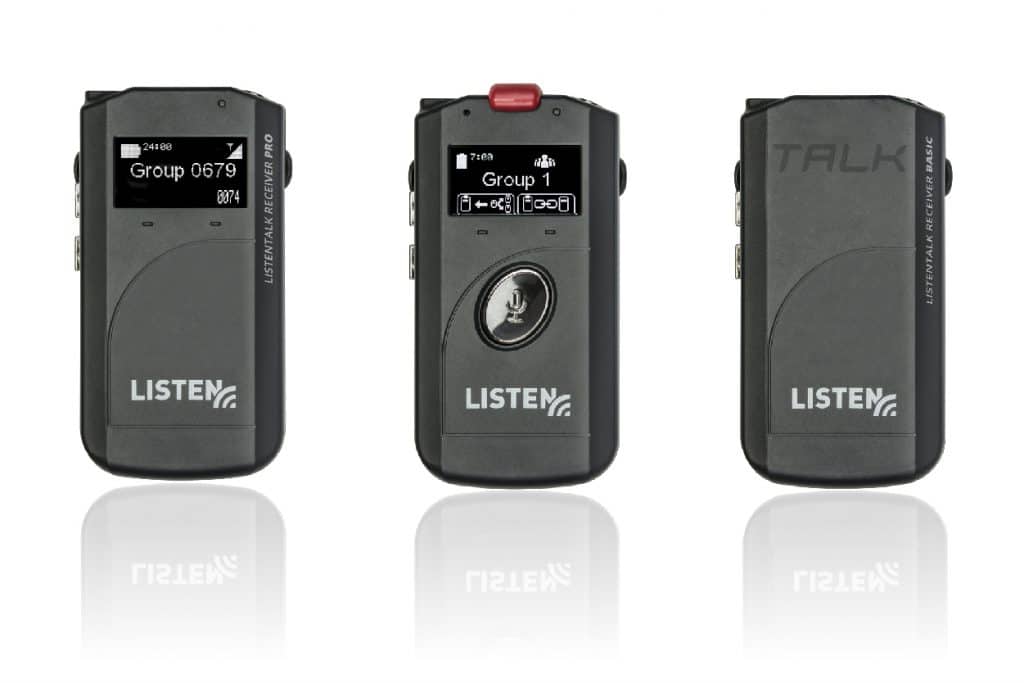
Your holiday service crowd may be bigger than your usual one. Estimate attendance to make sure you’re prepared for a full house. If your typical service uses a handful of receivers, holiday attendance could double that need, especially with visiting family members.
Your first-time guests are also less likely to know your system exists, so make it easy to find. Place signs at entrances, mention it in the bulletin, and have ushers ready to offer receivers as people arrive.
Make sure to also have a plan for getting receivers back after your service. A clear checkout spot near the entrance and a reminder at the end of the service help prevent people from accidentally walking off with a receiver. Plan for a quick cleaning routine at the end of service to ensure shared headsets are ready to go out for your next service.
Want an easy way to keep your team on track? Download the Holiday Sound Check, a free printable checklist your team can use to work through every step.
We’ve helped churches of every size get ready for the holidays, and a few issues come up year after year even with a solid checklist. Here’s what we see most often.
Catch these issues early, and your team can focus on the service instead of the equipment.
Ready to check your system for the holidays? Download the Holiday Sound Check for Houses of Worship, a printable checklist that walks you through every step. Print it, share it with your volunteers, and check things off as you go.
Need help getting your system ready? We can help! Our Technical Support Team is here to assist with troubleshooting, ordering replacements, or exploring new ways for your congregation to listen.
support@listentech.com
Phone: +1.801.233.8992
Toll-Free: 1.800.330.0891 (USA & Canada)
We would love to deliver valuable insights right to your inbox once a month.

We would love to answer your questions, provide you with a detailed quote, or send you more information.
First, select the calculator type, USA (for Americans with Disabilities Act - ADA), California (for California Building Code), or Australia (for Australia's Disability Discrimination Act 1992). Enter the seating capacity and the number of minimum assistive listening devices required and the minimum number of neck loops will automatically populate based on the calculator type selected.